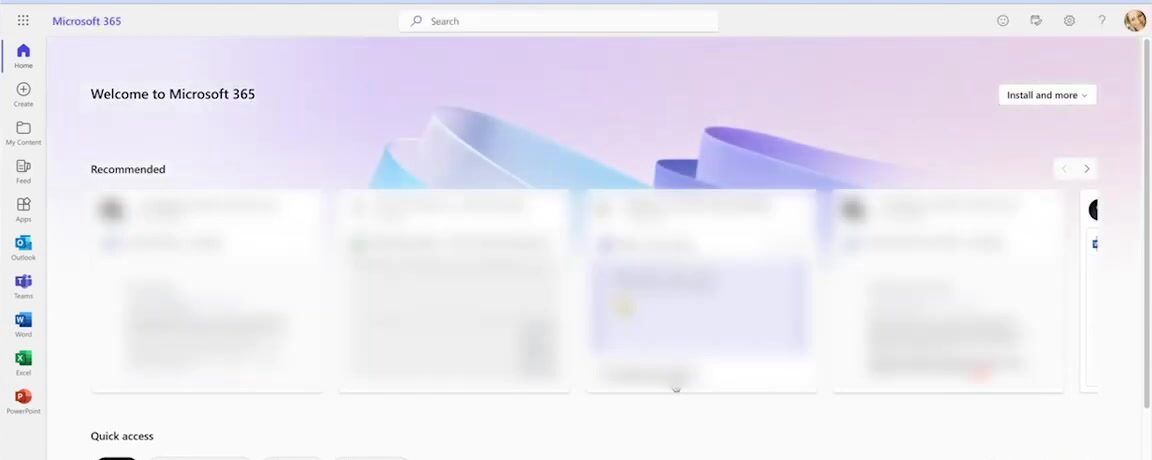
Your organisation already has MFA. OTPs get intercepted. Push notifications get approved by attackers. Sessions get hijacked. The problem isn't that you lack authentication — it's that the authentication you have can be bypassed.

AuthN by IDEE
is MFA 2.0

Stops all phishing. Stops all MFA bypass.
No credentials to steal. No session to intercept.
No way in.

Built entirely
on zeroes.

AuthN strips authentication down to its cryptographic core. No shared secrets. No central database of passwords. No decision a human can get wrong.

No shared secrets. No central password database. No decision a human can get wrong.

Cryptography PKI · AES-256 · ECC-512
Key storage TPM / Secure Enclave
Standards FIDO2 · WebAuthn · NIST
Protocols SAML · OIDC · WS-FED · WS-Trust
Post-quantum ready NIST ML-KEM
0
Zero Trust
Every request cryptographically verified. Nothing trusted by default — not the network, not the device, not the user.
Every request cryptographically verified. Nothing trusted by default.
0
Zero Passwords
End-to-end passwordless — including registration and account recovery. Nothing to steal, guess, or reuse.
End-to-end passwordless — including registration and recovery.
0
Zero Agents
No software to install. No dependencies to break. Works with the hardware your users already carry.
No software to install. Works with hardware users already carry.
0
Zero Knowledge & Zero PII Stored
Zero Knowledge & Zero PII
IDEE stores no credentials, no passwords, and no secrets. No personal data stored. Breaching us yields nothing of value to an attacker. GDPR and CCPA compliant by architecture, not configuration.
No credentials, secrets, or personal data stored. GDPR/CCPA by architecture.
0
Zero Phishable Factors
No phishable factors — across every stage of the identity lifecycle: registration, authentication, authorization, device enrollment, and decommissioning.
No phishable factor across the full identity lifecycle.

We got rid
of the legacy.

Every element of legacy authentication that could be exploited, lost, or forgotten — removed. What's left is just you and your device.

Passwords Second Device Additional Software Additional Hardware OTP Push Notifications

Protect
everything.

AuthN secures every access point across your organisation — without replacing a single system you already run (except your legacy MFA).

Employees Customers Suppliers VPN Cloud Apps On-Prem Apps Remote Access Legacy Apps

We took risk out of the picture.

AuthN by IDEE doesn't make attacks harder to pull off. It removes the conditions that make them possible in the first place. This is MFA 2.0 — next generation MFA.

Not harder attacks — impossible ones.

Credential Phishing
There is no OTP or session token to capture. Authentication uses a private key that never leaves the device, so there is nothing for a proxy site to intercept.
No OTP or session token to steal. The private key never leaves the device.
Adversary-in-the-Middle
The cryptographic signature is bound to the exact service being accessed. A relay attack produces a signature that won't verify, so the authentication simply fails.
Signature bound to the real service. A relay fails verification.
Insider Threats
Each authentication is cryptographically tied to a specific registered user and device. One person's credentials cannot be used by another, even with full access to the system.
Tied to one registered user and device. Can't be reused by anyone else.
Device Theft
The private key is locked inside the device's secure enclave and can only be used after the owner unlocks it with biometrics or PIN. A stolen device is cryptographically useless.
Key in secure enclave; needs biometrics or PIN. Stolen phone is useless.
Social Engineering
There is no push to approve, no code to read out, no human step that can be manipulated. The device authenticates directly and cryptographically, once the user unlocks the device.
No push, no code, no human step to manipulate.
Centralized Storage of CredentialsCentralized Storage
IDEE stores no credentials, no passwords, and no secrets. There is nothing in our infrastructure worth stealing. Breaching us yields nothing of value to an attacker.
No passwords or secrets stored. Breaching IDEE yields nothing.

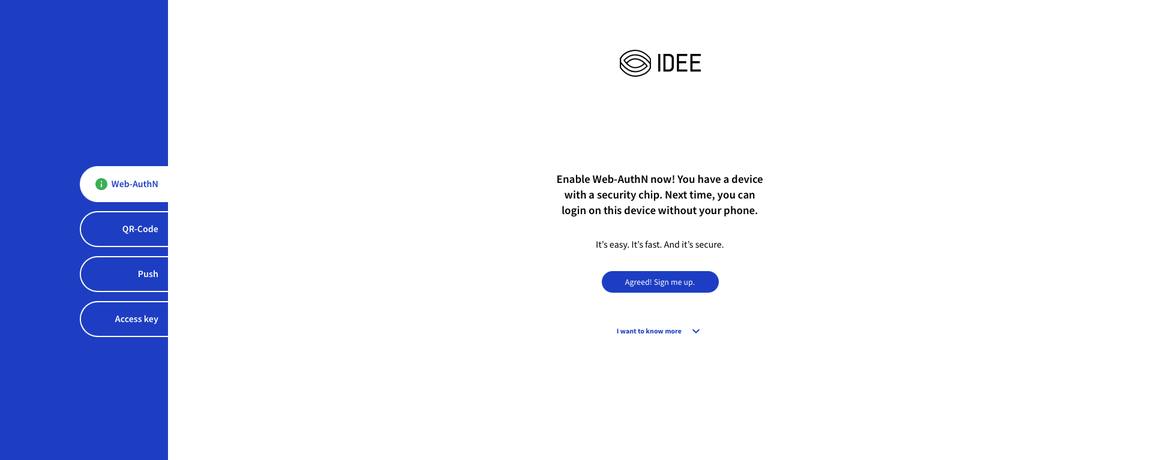
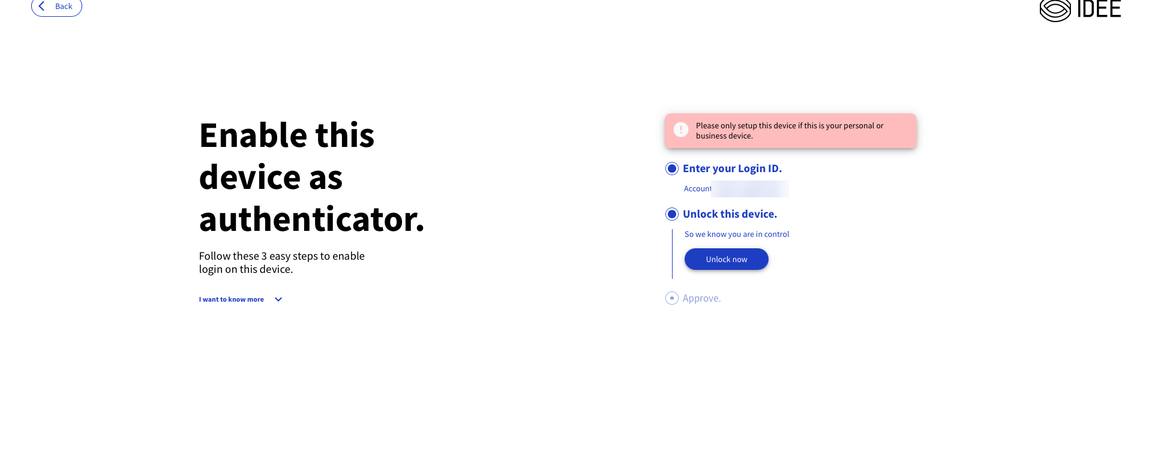
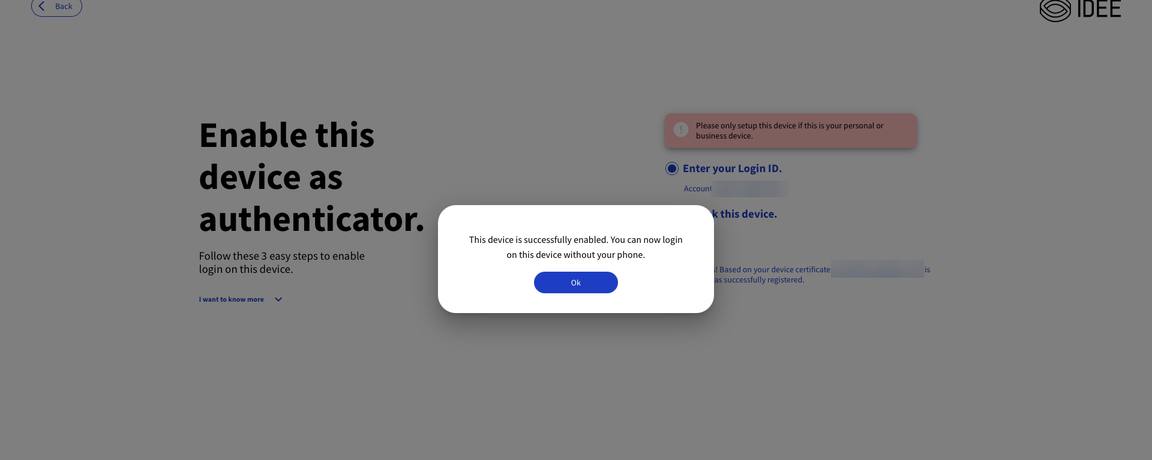
Register any device once. The device becomes your authenticator.

Can you unlock your device? Then you can use AuthN by IDEE. We made it so simple that both TikTok queens and flip-phone fans can use it with ease.

Step 01

Register the device once

in a few seconds available for any device made after 2016.

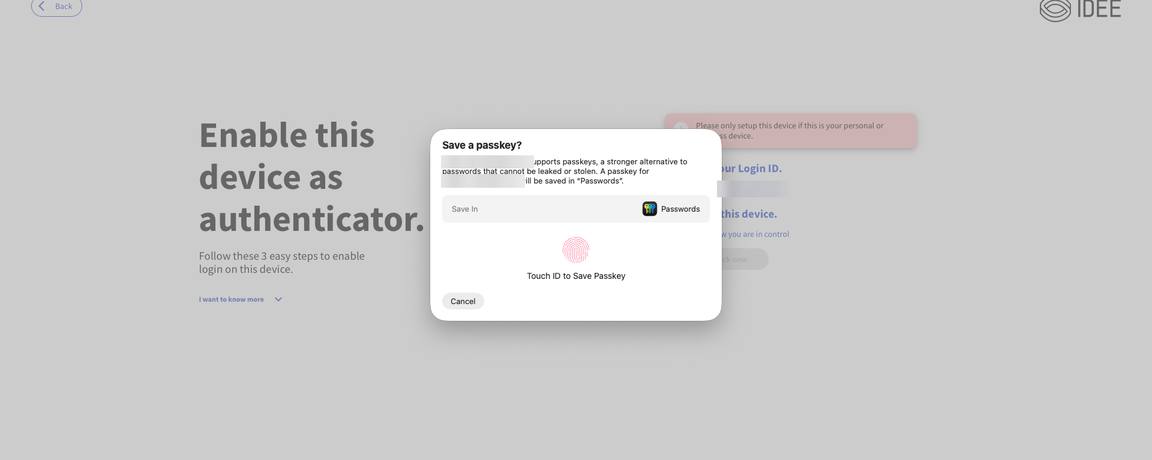
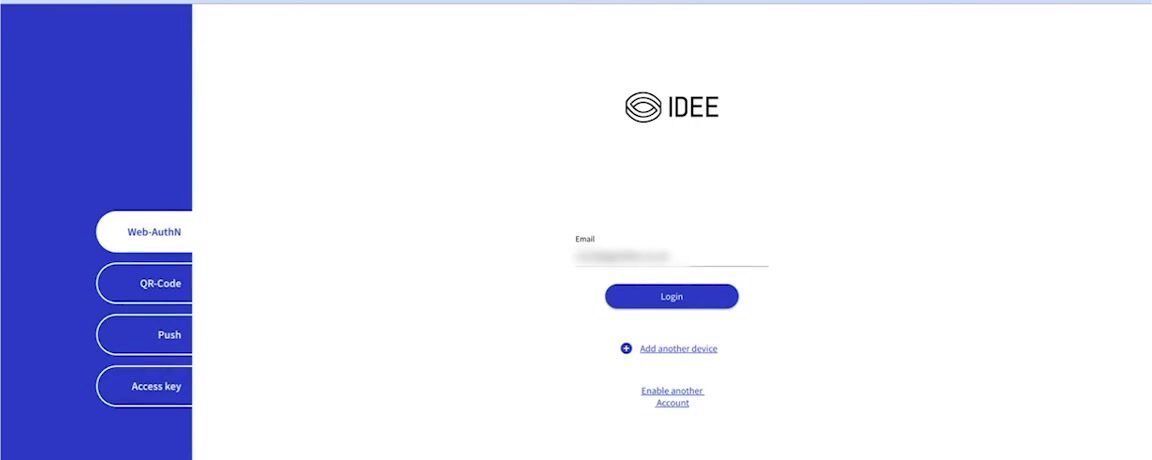
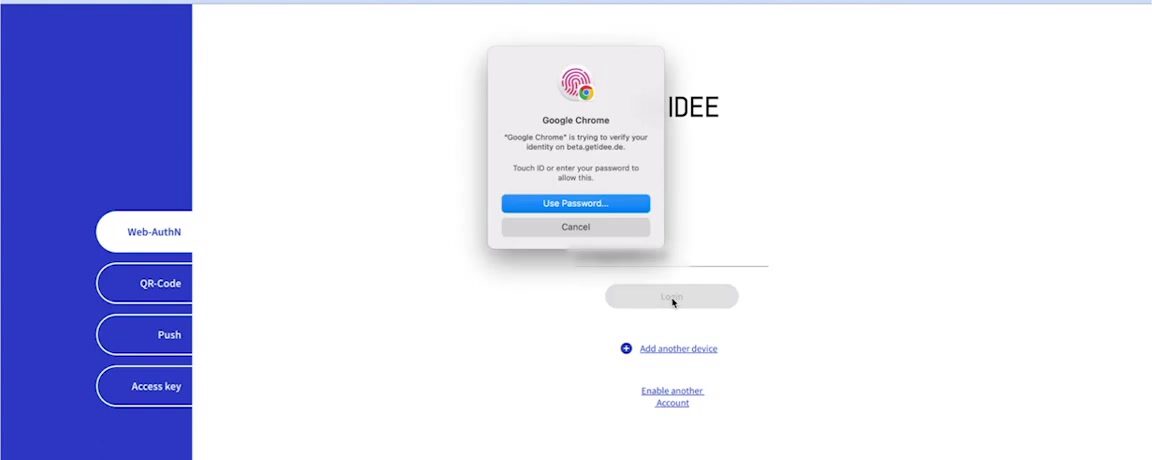
Step 02

Unlock to authenticate

in a couple of seconds — MFA 2.0 protection delivered everytime.

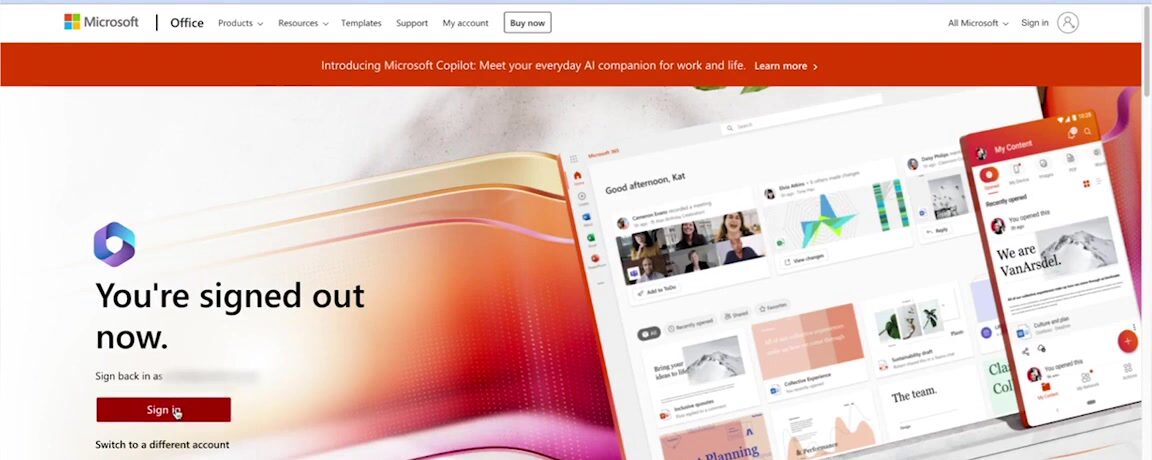
User unlocks their device for the first time
Cryptographic private key bound to user identity & service created inside the secure enclave
Device is now the authenticator
Logged in securely with phishing-proof MFA 2.0

Can you copy and paste?

Then you can deploy AuthN by IDEE. No-code integration. No consultants. No project plan. Just connect to your existing stack and go.

No agents to install
No hardware to provision
No passwords to migrate
No-code integration
Works on all devices made after 2015

Every device. Both company and private.

Whether your workforce uses company-issued hardware or their own personal devices. AuthN works without installing any hardware or software. Supported on Windows, macOS, iPadOS, iOS, Android, Linux, and much more. This is MFA 2.0.

Device protection Range
Managed Devices

Your entire company fleet becomes unphishable instantly. Protects every user, every device, and every app without adding agents, software, and hardware.

Unmanaged Devices

Remote workers and contractors become unphishable instantly, without surrendering device control to IT. No MDM, no problem. GDPR and CCPA compliant because personal data never enters the equation.

Protects every environment.

AuthN by IDEE supports the protocols and platforms your infrastructure depends on. No rip-and-replace required.

Protocols
SAML OIDC WS-FED WS-Trust WebAuthn FIDO2
On-Prem Directories
Active Directory Ping Federate ForgeRock Keycloak NetIQ eDirectory OpenLDAP
Cloud Directories
Microsoft Entra ID Google Workspace Okta Ping JumpCloud OneLogin
Productivity
Microsoft 365 Google Workspace Notion Zoho Workplace Slack Clickup
AI Tools
ChatGPT (OpenAI) Claude (Anthropic) Microsoft Copilot Google Gemini Perplexity AI
ZTNA & VPN
Cisco Palo Alto Networks Fortinet Zscaler Netskope Cloudflare
CRM & Support
Salesforce HubSpot Microsoft Dynamics Zoho CRM Zendesk Freshworks
Remote Tools
Microsoft Remote Desktop Citrix Omnissa Horizon (VMware Horizon) TeamViewer AnyDesk
Supported Devices
Windows macOS iOS Android iPadOS Linux Chromebook

AuthN integrates with tens of thousands of apps in minutes. Not sure if your application is covered? Let's check.

Let's check →

Enrollment without a phishable factor.

Same authentication strength — the difference is whether enrollment needs a phishable bridge.

Why resistant, not proof

The gap is device enrollment, not authentication.

WebAuthn MFA 2.0
Same-platform enrollment Native passkey
Cross-ecosystem enrollment
Microsoft Apple Google Any other OS
Falls back to an authenticator
Bridge factor OTP / Push
Phishable? Yes

Same authentication strength — the difference is whether enrollment needs a phishable factor.

Cross-ecosystem device enrollment

Every platform-to-platform enrollment — no phishable factor

From → To WebAuthn MFA 2.0
Windows → Apple iOS · iPadOS · Mac OTP / Push
Apple iOS · iPadOS · Mac → Windows OTP / Push
Windows → Android OTP / Push
Android → Windows OTP / Push
Apple iOS · iPadOS · Mac → Android OTP / Push
Android → Apple iOS · iPadOS · Mac OTP / Push

Same authentication strength in both — WebAuthn falls back to a phishable factor to bridge platforms; MFA 2.0 uses transitive trust (device-to-device, certificate, or admin).

Phishable Not phishable
Transitive trust · three paths

Which enrollment path is safest

Safest ↓ Highest risk
Certificate trust Best UX

The new device presents an installed user certificate — that is all that's needed. Standard on managed devices, and no human is in the loop to manipulate.

Social-eng. risk
Lowest
Device-to-device

Unlock the trusted device, scan a QR code with the new device, unlock it — WebAuthn is set up. Strong, but a user could be convinced to enroll an attacker's device.

Social-eng. risk
Moderate
Admin trust

An administrator authorises the new device. The most flexible fallback — and the biggest target for social engineering, since an admin can be impersonated or tricked.

Social-eng. risk
Highest

Everything you gain the moment you deploy MFA 2.0.

What you gain.

AuthN by IDEE delivers results from day one — for security, for compliance, and for the people who depend on it.

Results from day one.

01
Prevents all account takeovers
There's nothing to steal. No credential exists. No code to intercept. No factor to replay. Phishing, AiTM, MFA fatigue, credential stuffing. All structurally impossible. That's not a claim. That's the architecture.
02
Transitive trust across the full user lifecycle
Transitive trust across full lifecycle
The cryptographic chain is unbroken from registration through authentication, authorization, and adding new devices. No gaps. No assumptions.
03
Zero PII stored. GDPR and CCPA compliant by architecture
Zero PII — GDPR/CCPA by architecture
Biometrics stay on the device. No personal data is transmitted or stored. Compliance is built into how AuthN works..
04
MFA 2.0 available on managed and unmanaged devices
MFA 2.0 on managed & unmanaged devices
No MDM enrollment required for unmanaged devices. No agents. No hardware. MFA 2.0 for your entire workforce, whatever device they use.
05
Post-quantum ready
Post-quantum ready (NIST ML-KEM)
AES-256-Bit & ECC-512 encryption. Post-quantum cryptography using NIST ML-KEM hybrid mechanisms. This is security by design.
06
99.99% uptime, and your team keeps working even if we go down
99.99% uptime + offline login
Hosted on georedundant AWS infrastructure with a 99.99% uptime SLA. Zero outages in five years. Offline login means your users authenticate even without IDEE connectivity, with a tested RTO of 6 minutes.

Security that works
in the real world.

From overnight breach recovery to enterprise-wide rollouts — AuthN by IDEE is deployed where failure is not an option.

Financial Services
DekaBank — Phish-Proof MFA for Capital Markets
Germany’s central asset manager of the Sparkassen-Finanzgruppe needed authentication that meets the highest regulatory bar without burdening users. AuthN by IDEE delivered SaaS passwordless MFA — zero PII stored, phish-proof from day one, deployed without disruption.
Pharmaceutical Manufacturing
Aenova Group — Same-Device MFA for ~5,000 Users
A leading global pharmaceutical contract manufacturer needed phishing-proof MFA without second devices or hardware tokens. AuthN by IDEE secured Microsoft 365 with same-device passwordless MFA for ~5,000 users — including shared production kiosks.
Cyber Insurance
International Beverages Co-op — MFA That Qualifies for Cover
An international beverages cooperative needed demonstrable, phish-proof MFA to qualify for comprehensive cyber insurance. AuthN by IDEE met the insurer’s requirements and protected every access point across their distributed workforce — making them both insurable and secure.
Post-Breach Recovery
Udo Gärtner — Secure Access Restored Overnight
After a Microsoft 365 breach, Udo Gärtner needed to restore secure access fast — without rebuilding their infrastructure. AuthN by IDEE was deployed overnight; by morning every user had phish-proof MFA and the attack surface that enabled the breach was gone.

MFA has an accessibility problem. We fixed it.

Requiring a second device to authenticate isn't just inconvenient — for millions of people with disabilities, it's a barrier to access. True MFA 2.0 is secure and inclusive by design.

Motor & physical disabilities

Picking up a phone, unlocking it, opening an app, and reading a code — all while your primary device is waiting — is not possible for people with tremors, limited dexterity, limb differences, or paralysis. Push notification timeouts make this worse: approve within 30 seconds or start over.

Visual impairments

Reading a 6-digit TOTP code from a physical token or a small phone screen is a significant challenge for people with low vision or blindness. Authenticator apps have inconsistent screen reader support. The 30-second expiry window adds time pressure that assistive technology cannot always keep pace with.

Cognitive & neurodivergent

Switching attention between two devices, memorising a code, and transcribing it within a time limit is precisely what cognitive disability makes difficult. For people with ADHD, dyslexia, or memory impairments, this multi-step process under time pressure creates anxiety and repeated login failures.

WCAG 2.2 — Accessible Authentication

Transcribing a TOTP code is a cognitive function test. WCAG 2.2 prohibits it at Level AA.

WCAG 2.2 Criterion 3.3.8 bans authentication that requires memorising or typing a code — unless an alternative exists. TOTP-only MFA fails that test.

EU — European Accessibility Act

In force from 28 June 2025. Digital services must meet EN 301 549 / WCAG.

US — ADA & Section 508

Federal and private digital services must be accessible. WCAG is the de facto standard.

UN CRPD — Article 9

Equal access to ICT is a rights obligation for signatory states.

Authenticate with Confidence.
Start with MFA 2.0, today.

Your users can't be phished. Your credentials can't be stolen. And you can be live in minutes.